


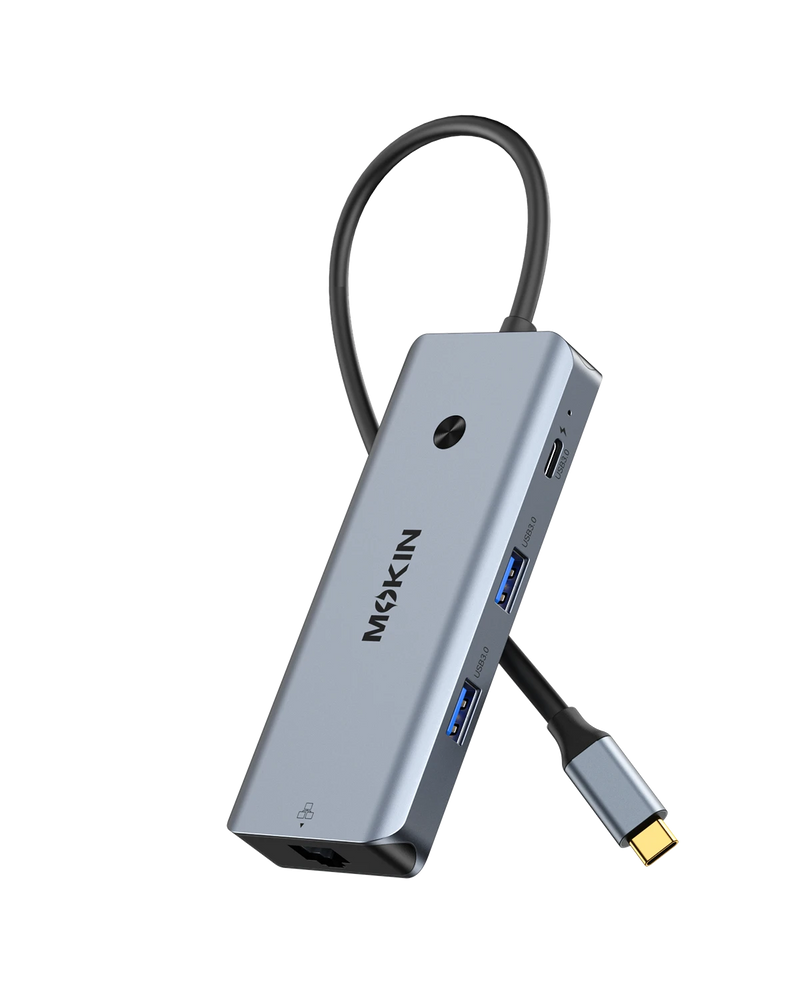


MOKiN 8 in 1 USB C Hub with 4K HDMI 100W PD Gigabit Ethernet for Laptop
Upgrade your setup with the USB-C Multiport Adapter, designed for professionals and everyday users who need a simpler way to connect displays, storage, and networks. It reduces desk clutter by consolidating essential ports into a single compact hub, helping you stay productive for work, streaming, and file management across devices.
- 4K HDMI Display Output for Clear External Screens
- USB 3.0 High-Speed Ports for Fast File Transfer
- USB-C PD Charging with Continuous Device Power Support
- SD/microSD Card Reader for Fast File Access & Gigabit Ethernet for Stable Connection
PAY WITH EASE


One Hub For All Your Connections


USB-C to HDMI Adapter supports up to 4K UHD at 60Hz or Full HD 1080p output, allowing you to connect USB-C devices to monitors, TVs, and projectors. It supports extended and mirrored display modes for multitasking, presentations, and entertainment.


Unique one-press button to quickly turn on/off external monitors, long press to switch display modes, protecting screen privacy in meetings/public and avoiding repeated plugging/unplugging.


▪ SuperSpeed USB 3.0 Ports(at full-speed): Transfer and back up large files in seconds with speeds up to 5Gbps, helping reduce waiting time during work or study. The USB-C PD port also supports up to 100W charging, keeping your laptop powered while you use other devices at the same time.
▪ SD/microSD Card Reader & Ethernet Port: Quickly access photos, videos, and files from SD and microSD cards, with support for reading both at the same time. The Gigabit Ethernet port provides a stable wired connection for smoother video calls, downloads, and online work.


