When using a desktop charger, many users expect a smooth, plug-and-play experience. However, certain problems may arise during daily use. Understanding these issues in advance can help avoid frustr...

When using a desktop charger, many users expect a smooth, plug-and-play experience. However, certain problems may arise during daily use. Understanding these issues in advance can help avoid frustr...
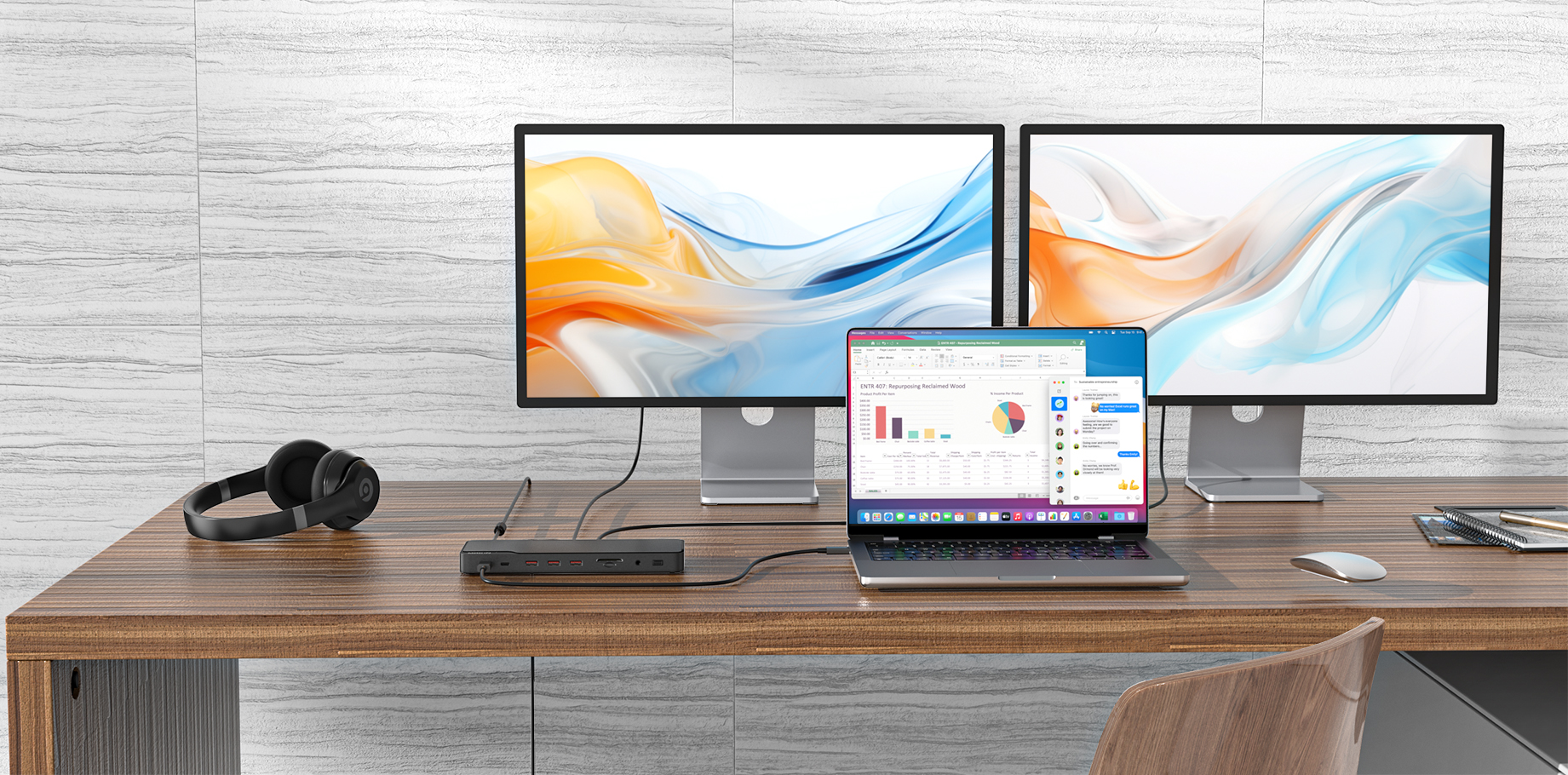
For professionals and multitaskers, a multi-monitor setup significantly boosts productivity. One efficient way to achieve this is by using a docking station with Multi-Stream Transport (MST) suppor...
When you encounter recurring notifications indicating that your computer fails to recognize a connected USB adapter or hub, this issue often stems from outdated or corrupted drivers. Please try the...
@MOKiN Global Great comparison! Both types of chargers have their advantages depending on where and how you use them. I personally love the convenience of retractable chargers when I'm traveling, b...
If you're experiencing issues with your laptop's graphics performance or compatibility, switching your graphics card driver might help. Here’s a simple step-by-step guide to manually update o...
OK, will do. Thanks for your quick reply!
Hi @Chris Eardley, Thanks for your support. Our products support the MAC address pass-through function. To enable this feature, please contact the customer service team of your computer manufactu...
Hi Model: MOUC3915 In common with certain other docking stations (e.g. from HP), this seems to generate a new MAC address for every laptop that plugs in to it rather than just keeping the same un...
Have you noticed that the laptop power adapter (charger) occasionally makes a slight current sound when charging the laptop? Don’t panic—this is actually a normal phenomenon! If...
The reason why the hub/docking station does not support DP to HDMI: ① Adapter Limitations: The hub/dock does not support connection via other adapters or DP to HDMI cables, because the video outpu...
Having an extended display can significantly improve your productivity by giving you more screen space to work with. Whether you're using a Windows PC or a Mac, setting up an extended display is st...
iPhone 14 or earlier is compatible with the "C to Lightning Cord". This retractable wall charger is built-in "C to C Cord". So it is more smoothly for the iPhone 16/15 series. Check it out 👉 ...
This charger has a built-in retractable Type-C cable. When you pull the cable out, it locks into place at specific lengths: 4, 8, 12, 16, or 22 inches. **To retract the cable smoothly:** Gently pu...
If your workspace is cluttered with tangled cables, bulky adapters, and multiple chargers for phones, tablets, laptops, and earbuds, it’s time to simplify. Enter the 100W USB-C GaN Charging ...
The Windows 11 update has caused issues for many users, particularly with docking stations. External monitors, USB ports, Ethernet, and other peripherals may stop working after the update. If this ...
