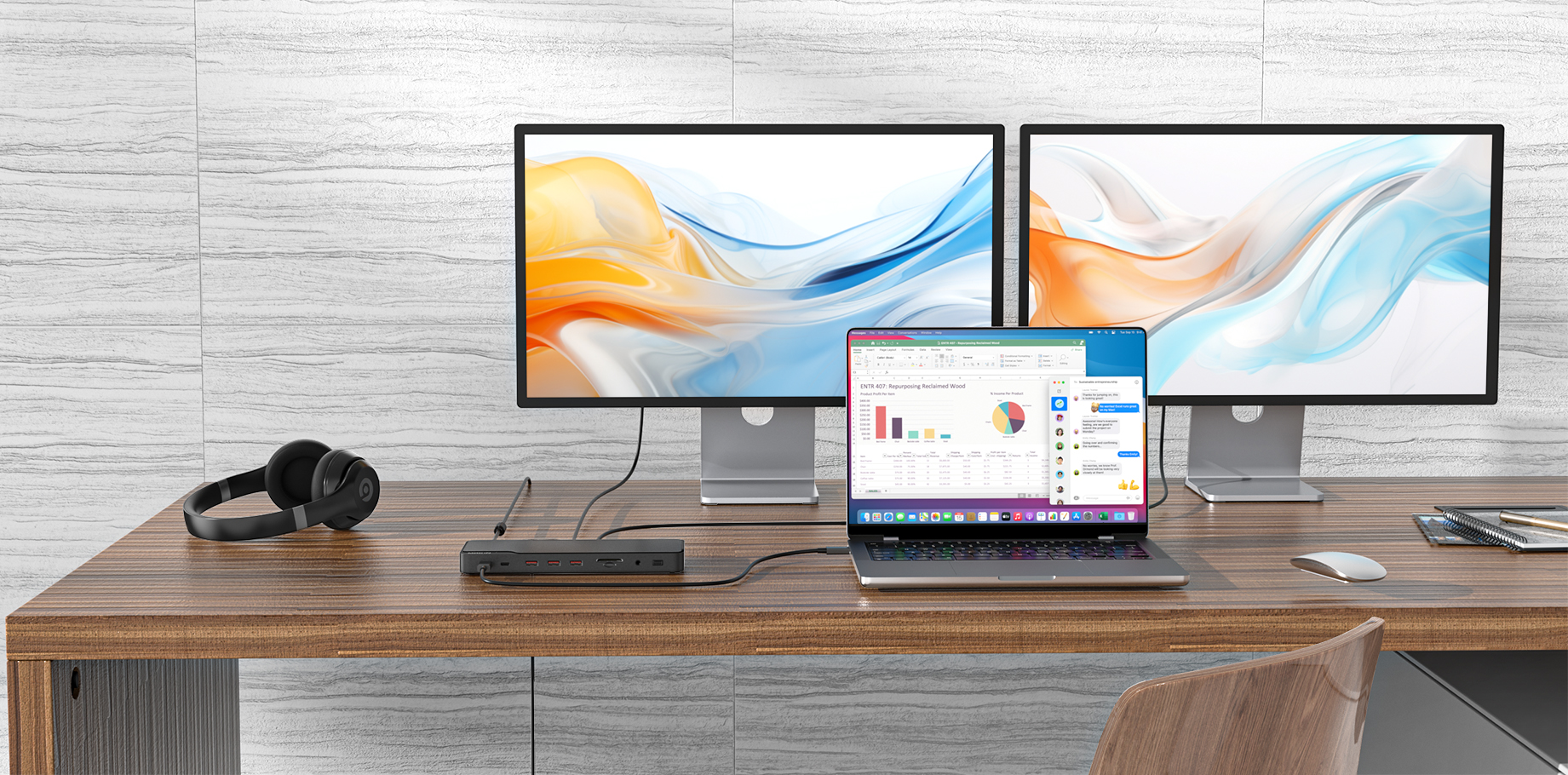
I have swapped out the Acer Chromebook that the docking station worked with two external monitors. The new Chromebook is a CX5501FEA. The hub now will not work wiith any external monitors. When plugging the monitors directly into the Chromebook. A monitor works fine.
To better solve your problem, please provide information as follows:
1)Is your new computer model the ASUS CX5501FEA Chromebook?
2)Using an Acer Chromebook with the MOUC3702 to connect two external monitors works properly, indicating that the product's ports are functioning correctly. Please try updating the graphics card driver.
3)After connecting to the product, take a photo of the overall connection diagram and open the display settings of the laptop to check whether the two monitors can be recognized.
Please confirm whether the computer recognizes the external display’s EDID when connected to a single monitor. If it does recognize it, try adjusting the external display’s refresh rate/resolution.
If the issue persists or the EDID is not recognized, please provide the product SN.