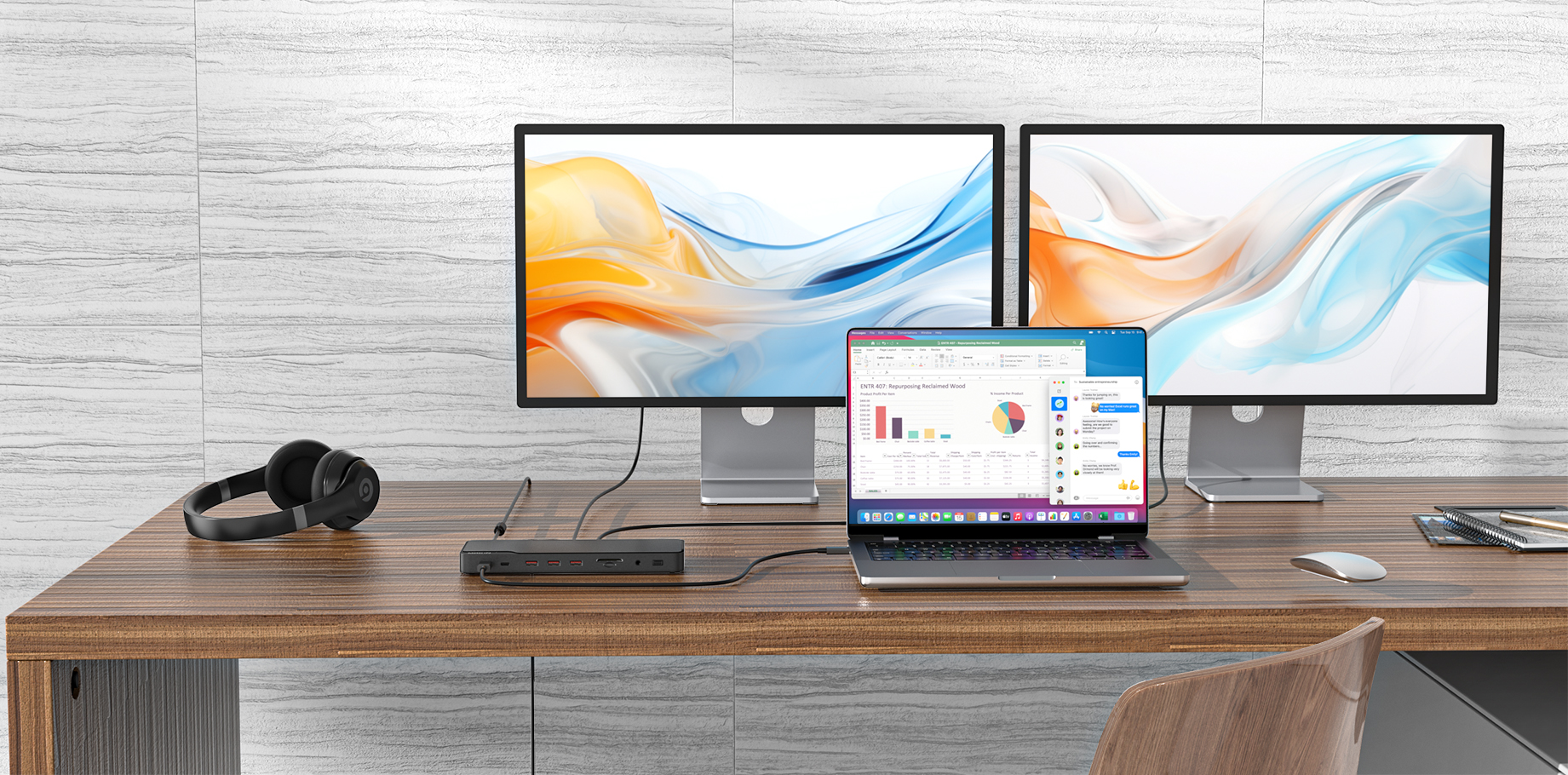


For Win laptops: Click on Win+P to select mirror or expansion mode;

For MacBook laptops: Apple logo - System preferences - Display - Mirror display (Yes or No);
Method 1 : You can search on Bing: SM76x Driver Download, and then enter the official website to download and install.
Method 2: Please enter this URL directly: https://www.siliconmotion.com/download/3Xf/a/index.html
Method 3: Windows computer opens the computing disk, or there is a storage device logo in the lower right corner of the computer, open it, and there is an html file inside, which can also be directly included in the official website.
For Win laptops:
For MacBook laptops:
If your product is an docking station, please connect your laptop to the "HOST" port of the docking station.
