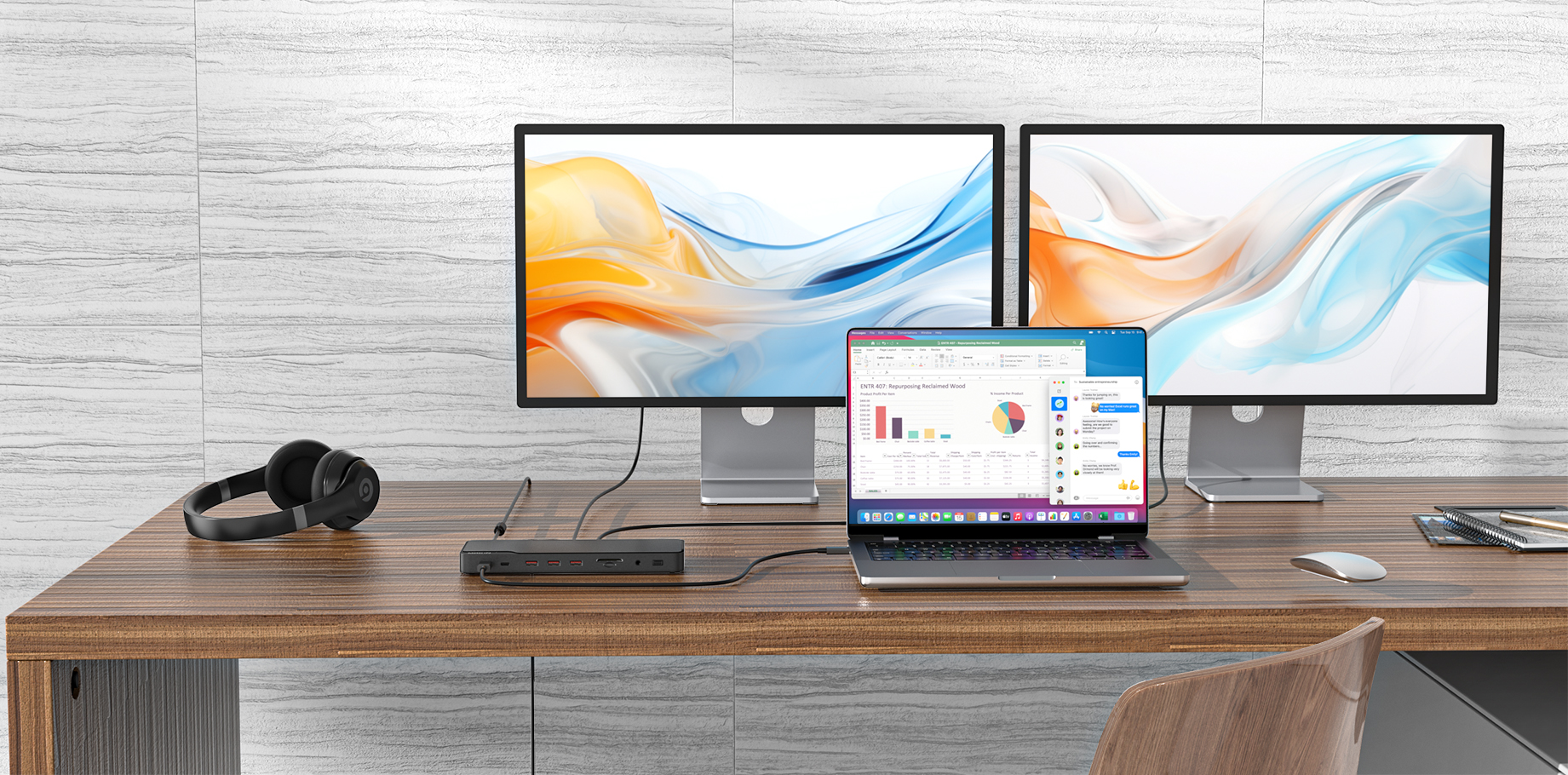
If your connected devices are not charging via the hub’s PD port, it may be due to an issue with the connected laptop, the device you’re charging, the charger and charging cable, or the hub itself.
Here are some troubleshooting tips that may help you identify and resolve the problem.
For laptops:
- If your connected laptop does not support Power Delivery via USB-C port, then the PD port will not charge.
- Try this hub with a different laptop that can support Power Delivery via USB-C port to see whether your device can be charged.
For devices being charged:
- Confirm whether the device can be charged without the hub.
- Try charging a different device to see whether it can be charged normally.
For chargers and charging cables:
- Confirm whether the charger and cable are working properly.
- Try using a different charger and charging cable.
For the hub:
- Check if the hub's LED light is on. If it is not, the hub may be defective.
Try using a different USB-C cable and charger, sometimes the problem is just the accessory. If that still doesn't work, the PD port on the dock may be faulty.